How to Convert HTML to Android App in 5 Minutes
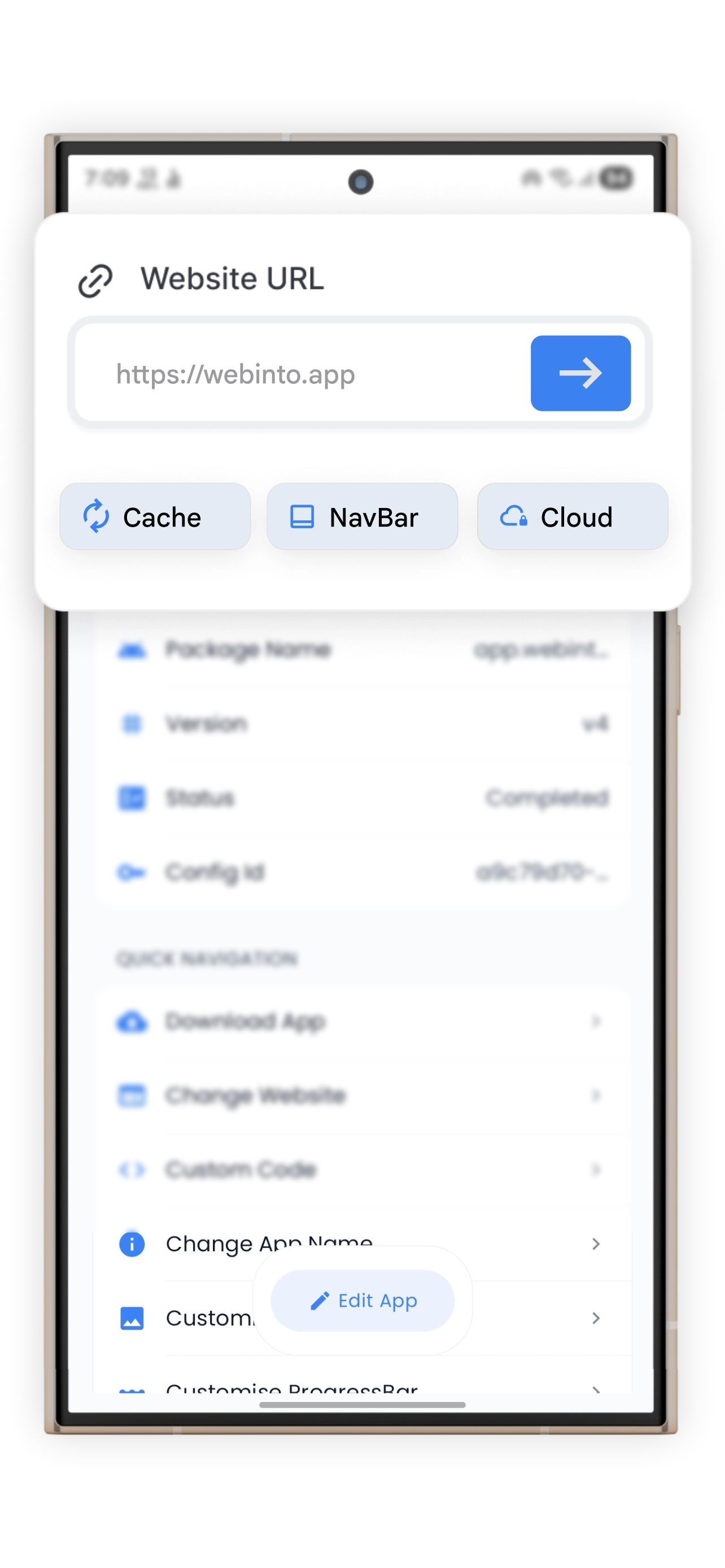
Transform your website into a native-feeling Android app in minutes — no Android Studio, no Kotlin, no experience required. This guide walks you through the entire process using WebInto.app.
Why Convert HTML to an App?
Publishing your website as a native mobile app opens up a world of advantages:
- Push notifications — re-engage your users directly on their lockscreen
- App Store presence — rank on Google Play and gain new organic traffic
- Offline support — serve cached content even without internet connectivity
- Native UX — hardware back button, splash screen, bottom navigation bar, and more
What You Need
Before starting, ensure you have:
- A website URL or a zipped HTML bundle (
index.html+ assets) - The WebInto.app app installed on your Android device
- An app icon (512×512 PNG recommended)
Step 1: Open WebInto.app and Create a New Project
Launch WebInto.app on your phone. Tap "+ New App" on the home screen. Give your project a name — this is just for internal reference.
Step 2: Enter Your URL or Upload Your HTML
You have two choices:
- URL mode — paste your website URL (e.g.,
https://yourdomain.com) and WebInto.app will wrap it in a WebView. - HTML mode — tap "Upload HTML" and select your
.zipfile. The app will load your content completely offline.
💡 Tip: For the best offline experience, use the HTML mode. All your CSS, fonts, and images will be bundled directly inside the APK.
Step 3: Customize Your App
This is where WebInto.app shines. You can configure:
| Setting | Description |
|---|---|
| App Name | Displayed below the icon on the home screen |
| App Icon | PNG or WebP, at least 512×512 |
| Splash Screen | Custom logo + background color |
| Theme Color | Controls the status bar and navigation bar tints |
| Bottom Navigation | Add up to 5 tabs linking to different pages |
Step 4: Inject Custom CSS & JS (Optional)
Head into Advanced Settings → Custom Code. Here you can inject CSS or JavaScript that runs inside the WebView. This is useful for:
- Hiding your website's header/footer (since the app has its own)
- Enabling dark mode overrides
- Tracking events with custom analytics
// Example: Hide desktop header inside the app
document.querySelector('header').style.display = 'none';
Step 5: Build and Download Your APK
Tap "Build App". WebInto.app sends your configuration to the cloud, compiles it, and returns a signed APK within a few minutes. Once ready, you can:
- Download the APK to install directly (sideloading)
- Upload to Google Play — the APK is fully Play Store compliant
Bonus: Keep Your App Updated Remotely
With WebInto.app's Remote Update feature, you can push new configuration (URL, tabs, theme) to all installed instances of your app without publishing a new update to the Play Store. Changes take effect the next time users open your app.
Conclusion
Converting your HTML website to a native Android app has never been easier. With WebInto.app, the process takes under 5 minutes and requires zero coding knowledge. Whether you're a freelancer shipping a client's app or a developer prototyping an idea, WebInto.app is the fastest path from web to mobile.
Ready to start?
Convert your website into an Android app
Install WebInto.app and build your APK in minutes. No coding required.