Turn your WordPress blog, WooCommerce store, or membership site into a Play Store-ready Android app. No PHP plugins to hack together, no agency quotes. Paste your URL and build in minutes with WebInto.app.
Blogs, WooCommerce stores, and membership sites see stronger return visits when readers install instead of bookmark.
Customers install from Google Play instead of bookmarking your WordPress URL in Chrome.
Notify readers when you publish. Pair with OneSignal inside WebInto.app for reliable delivery.
Checkout, cart, and product pages run inside a native shell with controlled links and downloads.
Update content in WordPress as usual. The app loads your live site automatically.
Your posts, products, and pages stay in WordPress. WebInto.app wraps the live URL so every publish is reflected in the app automatically.
Publish on WordPress
Blog, WooCommerce, or membership site on your domain.
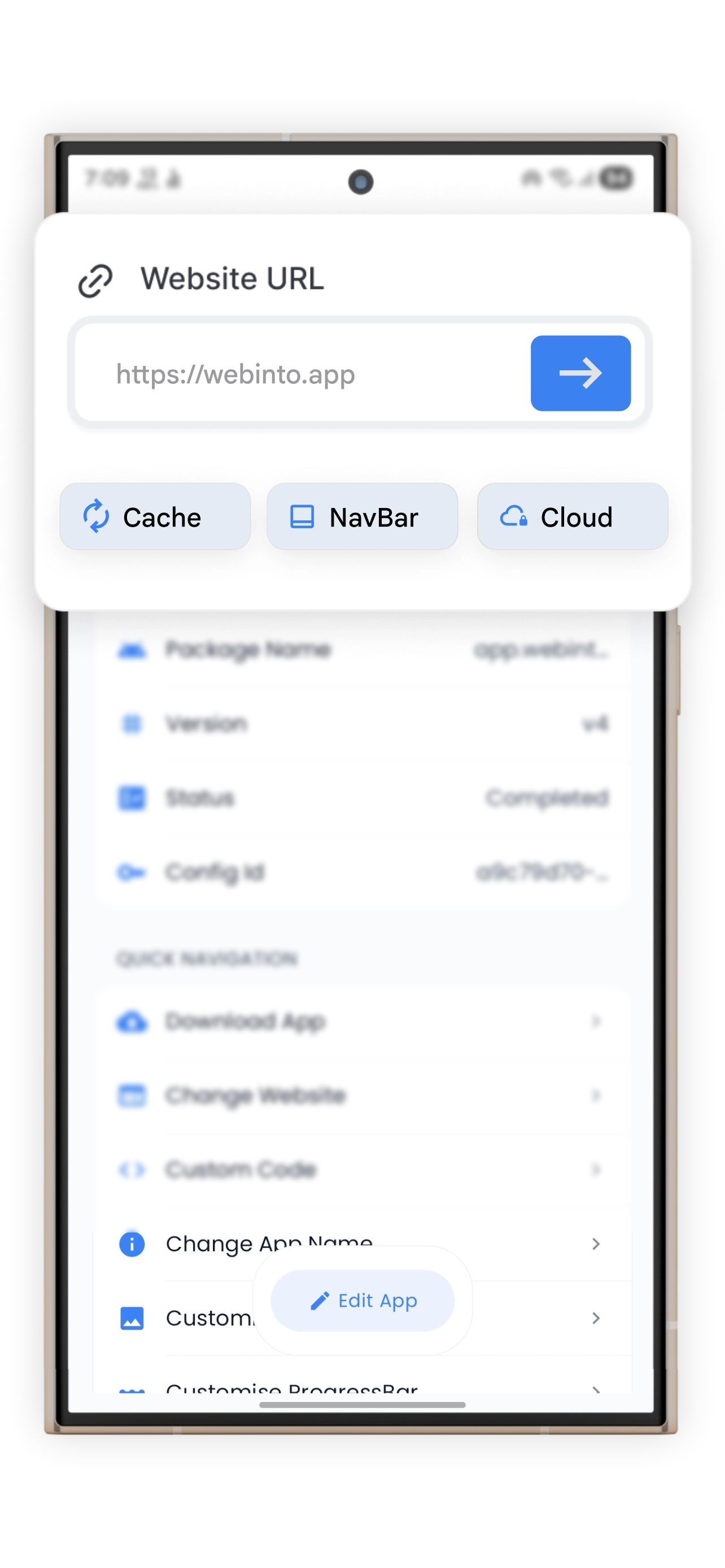
Paste URL in WebInto.app
Configure splash, nav, push, and link rules from your phone.
Download APK & AAB
Test on device, then upload to Google Play with your keystore.
Push new posts to installed readers without resubmitting the app.
Mobile checkout with external payment link rules when needed.
Learners open your LMS from a home-screen icon instead of typing your URL every time.
WordPress site owners who want Play Store distribution without maintaining a separate mobile codebase.
Step-by-step guides
WordPress-specific guides plus Play Store upload, push notifications, and signing keys.
Skip wrapper plugins that charge monthly fees and still struggle with Play Store signing.
| Feature | Typical plugin / wrapper | WebInto.app |
|---|---|---|
| Install from Play Store | Limited / wrapper plugins | Yes |
| Signed APK + AAB + keystore | Rare | Yes |
| Remote URL & config updates | Varies | Yes |
| Custom splash & navigation | Basic | Advanced |
Answers for WooCommerce merchants, bloggers, and membership site owners.
Yes. WebInto.app wraps your live WordPress URL in a signed Android shell. You configure branding and features in the builder app, then download APK and AAB files for testing and Play Store upload.
Most WooCommerce flows work in a WebView when your theme is mobile-responsive. You can allow external payment tabs, control downloads, and inject CSS if checkout needs padding under the status bar.
No for content. New posts appear automatically because the app loads your site from the server. Rebuild only when you change native settings, permissions, or store binaries.
Follow our Play Console guide after you download the AAB from WebInto.app. You will need store listings, a privacy policy, and data safety answers.

Download WebInto.app, paste your WordPress URL, and ship a Play Store-ready Android app without hiring developers.
